
A strong Hotel Lobby AI video starts with a reference image that communicates clearly. A visible face, readable silhouette, and intentional composition give the generator useful information before you write a single sentence. This is where a striking orange-booth performance gets its foundation.
Hotel Lobby AI makes reference preparation refreshingly direct. Use independent photo slots, replace individual images, swap the left and right references, and pair the result with an editable prompt. You get meaningful creative choices without having to build a video-editing project first.
Choose clarity before decoration
Use images of adults you have permission to depict. For portrait-based presets, begin with one obvious subject per reference. Keep the face unobstructed, the lighting readable, and the expression consistent with the intended performance.
A clean reference does not need studio production. A thoughtfully composed phone photo can communicate the subject effectively. The important question is whether another person could immediately identify the face, outfit, posture, and intended subject without guessing.
| Photo choice | Strong starting point | What to reconsider |
|---|---|---|
| Face visibility | Clear features with even, readable light | Sunglasses, deep shadows, or a hand covering the face |
| Number of subjects | One adult per portrait reference | Crowded group photos with an ambiguous main subject |
| Framing | Enough room to understand head, shoulders, and outfit | Extreme crops that remove useful appearance details |
| Pose | Natural posture that suits the intended scene | Severe distortion or an unusually extreme camera angle |
| Background | A simple, distinguishable setting | Busy objects merging into hair, hands, or clothing |
| File preparation | JPEG, PNG, or WebP within 10 MB | Unsupported formats or files above the upload limit |
Select the photo that communicates your intended performer most clearly, then review the completed video against that reference.
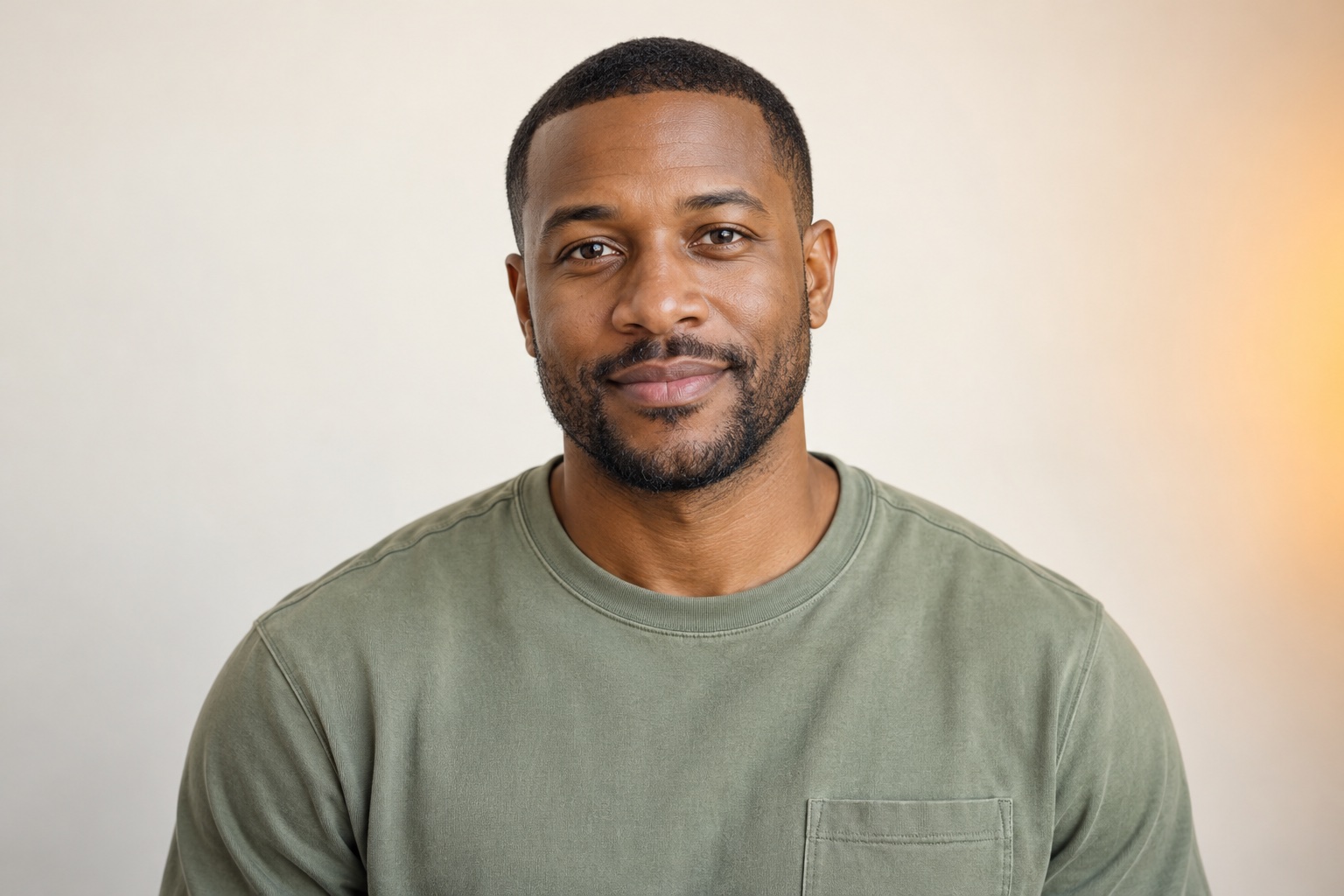
AI-created editorial concept: a clear face, readable lighting, and simple framing illustrate a useful portrait reference.
Match the image to the selected preset
Duo, Solo, Long, and Call-and-response use portrait-oriented reference logic. Supply one or two reference photos as required by the selected mode, then use the prompt to describe staging and interaction.
Friends, Pets, and Robot + alien require a complete scene image instead. That distinction matters: the source should already communicate the overall composition and relevant subjects. Treat these options as creative directions to explore, not as interchangeable destinations for any headshot.
The seven presets give Hotel Lobby AI a strong, focused creative range. You can develop different concepts around the orange studio and suspended microphone while keeping image preparation specific to the scene.
Prepare a two-person reference pair
For a Duo concept, choose two adult portraits with comparably clear facial information. Consistent framing and lighting make the pair easier for you to evaluate and describe. Think about how their expressions and styling will work together on the orange stage.
Decide which person belongs on each side. Upload the references into the independent slots, then write those roles explicitly in the prompt. If the relationship feels stronger in the opposite arrangement, use the swap control. If one portrait is weak, replace that individual image and keep the other.
This is a standout practical benefit of Hotel Lobby AI: the photo setup is easy to adjust around the idea. Selected photos, the custom prompt, and the framing choice persist through a refresh, so a return visit can pick up the creative work you were preparing.
Copy this reference-focused prompt
Create a confident orange-booth performance using the supplied adult reference photos. Keep each person's appearance distinct and use the references as the visual foundation for the characters. Place the first performer on the left and the second on the right, with a suspended microphone between them. Show both in a balanced medium-wide composition with even studio lighting and a seamless orange background. Begin with relaxed posture and natural expressions. Let one performer lead with a small expressive gesture toward the microphone while the other answers with a playful look. Keep the movements restrained and readable, and finish in a composed shared pose. Use a steady camera and a clean, uncluttered studio setting.Variation one: For Solo, remove the second-performer instructions and request a confident stance at the suspended microphone followed by a small expressive gesture toward the camera.
Variation two: For a calmer Duo, replace the playful exchange with a poised glance and coordinated final stance. Keep the same photos to concentrate the revision on performance direction.
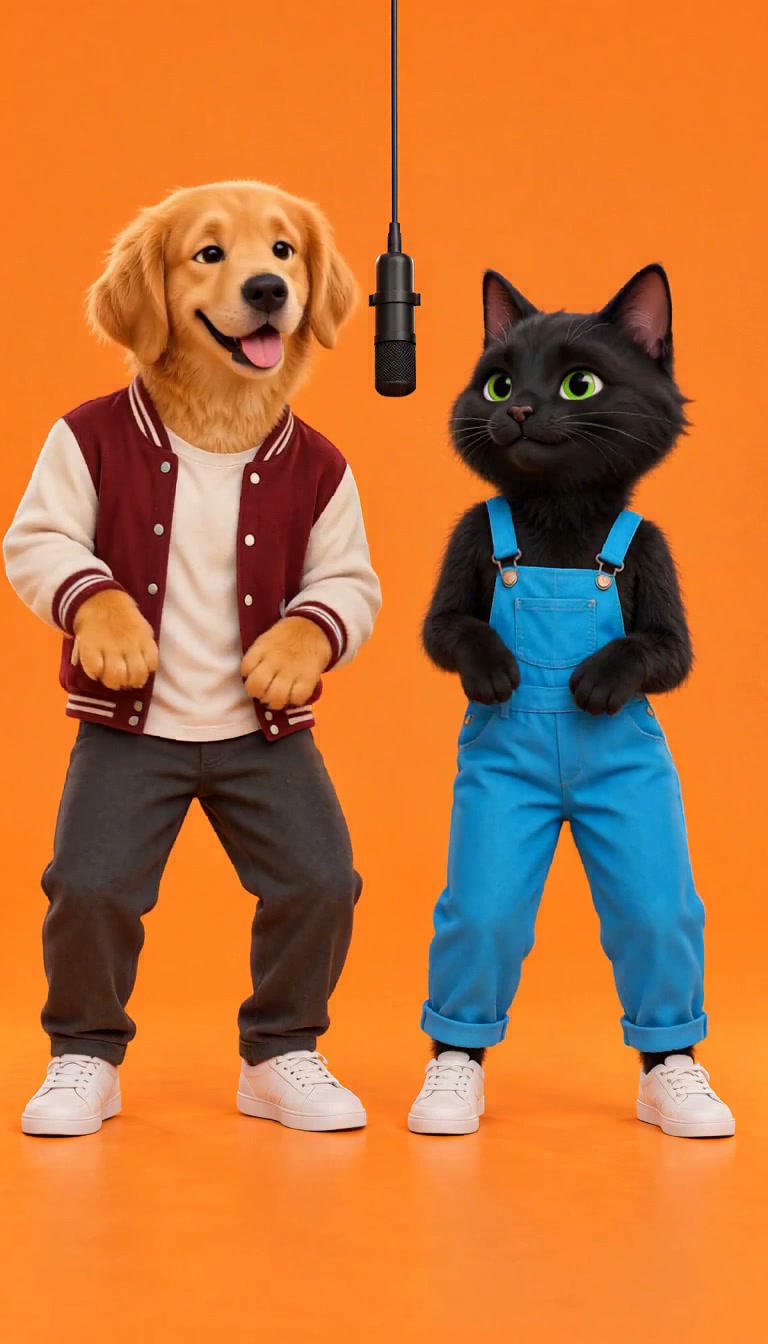
Historical original scene sample; not a current 15-second output test. A full-scene concept establishes both characters and their shared stage.
Inspect the result with the same care
The current generation configuration is MiniMax H3, 15 seconds, 768p, and 10 credits per attempt. Play the full result and check recognizable appearance, motion, interactions, and composition. Download the original MP4 and use task history to revisit the result.
See our real examples, follow the step-by-step video guide, and check the pricing guide. When your references are ready, open the generator and give your next orange-booth performance a powerful visual starting point.