Hotel Lobby AI template: choose your booth performance
A Hotel Lobby AI template is an editable prompt preset for a new orange-booth video. Choose Solo for one portrait, Duo for two separate portraits or a scene preset for one already composed image. The preset prepares framing, positions and motion; generation uses purchased MiniMax H3 credits.
Choose the Solo Hotel Lobby AI template for one portrait, or Duo for two separate portraits. Both use fixed H3, 15 seconds and 768p; framing remains selectable. Scene templates require one complete image containing the characters and stage. Template selection is free; rendering uses paid credits.
Use this page to match the template to your photos and preview its editable prompt. Choose a different workflow if you need exact choreography transfer or lyric-synchronized lip sync.
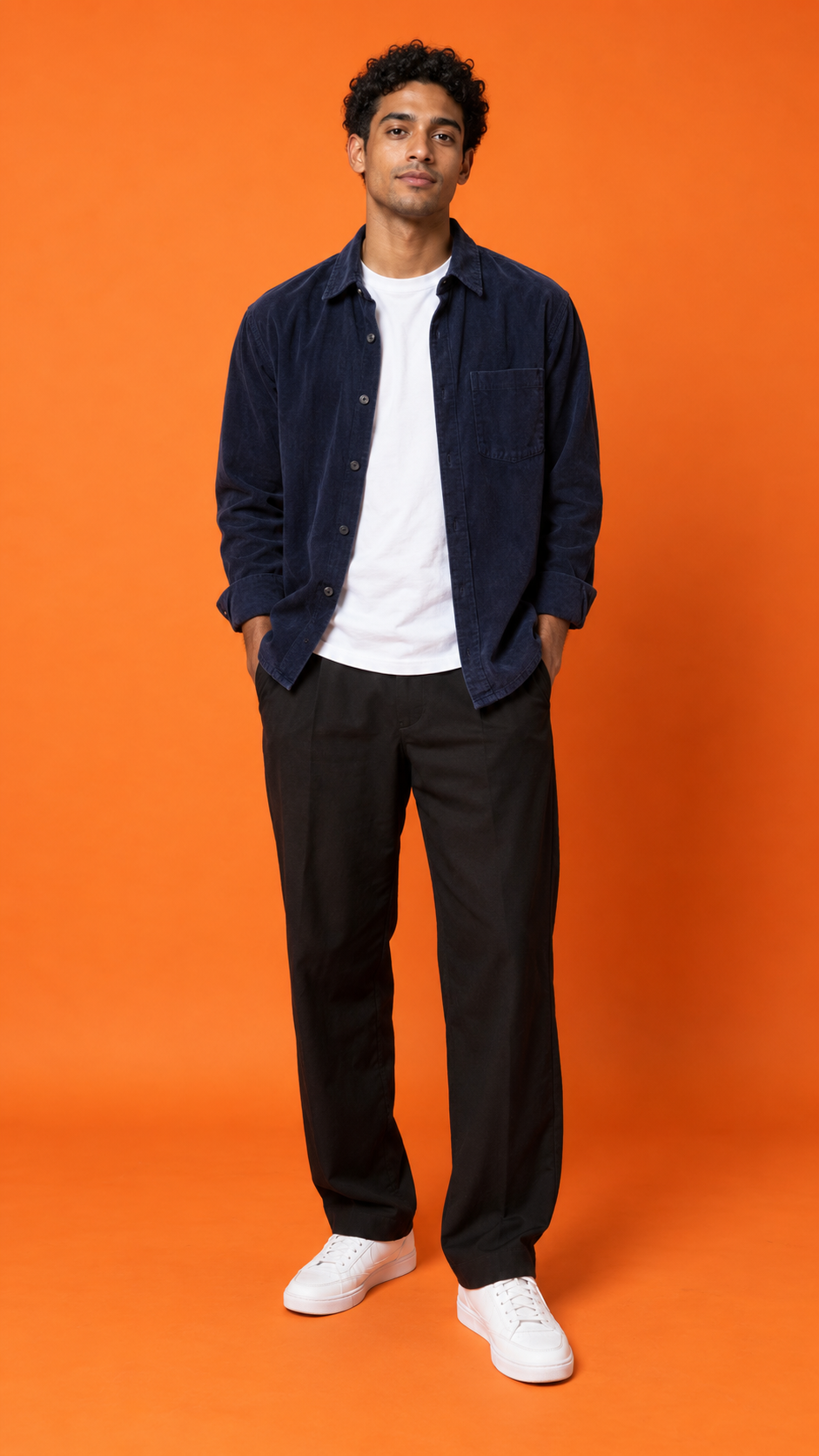
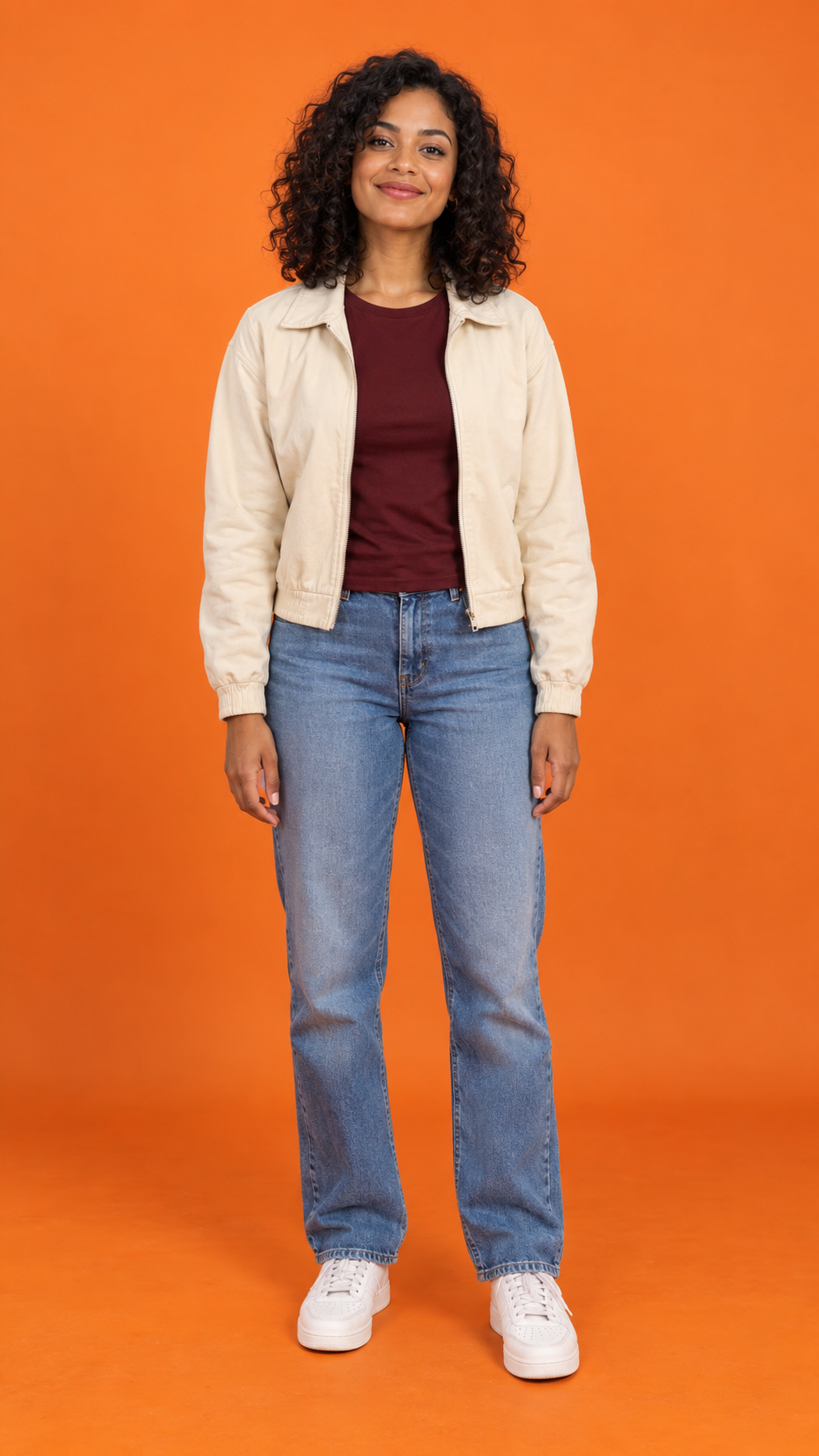
Photo 1 = left; photo 2 = right. Use a clear portrait for each.
Your editable Hotel Lobby prompt
Create an original 15-second orange-studio duo performance using only the uploaded portraits. Image 1 supplies the adult on the left; Image 2 supplies the adult on the right. Preserve each distinct face, hairstyle and outfit. Use the photos as identity references, with newly generated staging and motion. Create one continuous locked-off medium-wide shot in a seamless saturated orange studio with matching floor, soft neutral light and one silver microphone hanging centrally between the subjects, clear of both faces. Start with the subjects already performing; no still-photo intro. Keep both subjects fully separate, their faces readable, and their left/right positions stable. Begin with relaxed shoulder bounces. The left subject leads with a low open-palm gesture while the right nods; the right then answers as the left reacts. Finish facing the camera together. Use restrained original gestures and natural mouth movement. Preserve identities, outfits and proportions throughout. No face swaps, transformations, extra subjects, merged bodies, extra limbs, cuts, camera orbit, furniture, text or logos. Request an original rhythmic instrumental groove with two distinct, consistent character voices taking turns. Match the energy of each generated performance. Do not imitate an existing song or identifiable singer. Check the actual audio after generation; exact words and lip synchronization are not guaranteed. Image 1 supplies the left identity; Image 2 supplies the right. Give each person a short lead and keep both faces readable.
About this preset and audio
Turn two uploaded portraits into an original orange-booth duet, with independent gestures, lead changes and generated sound. Review the generated audio and add your chosen platform sound after downloading.
Hotel Lobby AI Template video examples
Explore reviewed 15-second orange-studio performances. Image-only examples retain their original settings and review notes. Each card shows its inputs and output facts. Videos start muted; exact lip synchronization is not guaranteed.
Actual AI output · 15.1s
Duo: taking turns at the mic
Two original portraits become an orange-booth exchange. The performers trade the lead in the second half. A horizontal orange bar remains at the top, and the microphone is close to the left performer.
An original portrait becomes a continuous orange-studio solo with a hanging microphone and small rhythmic gestures. This take keeps the same outfit and set throughout.
Orange booth duo uses Image 1 for the left person and Image 2 for the right. It requests an orange studio, central microphone, locked camera and restrained gestures. Inspect both identities.
Input: two sharp individual portraits, with similar lighting where possible.
MiniMax H3 · 15 seconds · 768p; choose your framing.
Review: each person keeps their own face, outfit and side throughout the clip.
Solo uses one portrait for identity and outfit, not the opening frame. The prompt requests an immediate orange-booth performance with the microphone beside the shoulder. Check likeness after generation.
Long performance and Duo call and response use two portraits: fixed 15-second, 768p H3 for 10 credits. They change gestures and lead exchange, not duration; review the quote.
Complete-scene templates for friends, pets and characters
Friends dance, Golden retriever & black cat, and Robot & plush alien need one complete scene: both subjects, orange set and microphone. Separate portraits are insufficient; inspect anatomy.
Customize a template without losing the scene
Keep the orange set and static camera. Leave the microphone clear of faces. Change one detail; recheck inputs, framing, prompt and quote. H3, duration and resolution stay fixed.
From template to a shareable MP4
Match inputs, review the paid quote and submit once. Inspect faces, hands and audio before downloading. Add permitted music separately; exact choreography and lip sync are not supplied.
Compare historical test settings with your current preset
The October 9 direct-provider Solo/Duo tests requested 15 seconds and delivered 15.083333-second, 768 × 1344 MP4s. Their prompts differ from today’s presets. Inspect the Solo scene changes and the separate historical four-second portrait result. These examples establish neither a success rate nor current-preset or website-billing acceptance.
How to use Hotel Lobby AI Template
Choose Solo or Duo and upload the required portraits.
Review the prompt and paid credit quote before submitting.
Check the completed MP4, download it and add permitted music.
Browsing examples and preparing prompts are free; creating a new video requires purchased credits.
Each MiniMax H3 video is 15 seconds at 768p and uses 10 credits. One-time packs cover 1, 2 or 7 videos. The smallest pack costs US$5.99 for 10 credits, valid 365 days. No subscription or automatic renewal. Review the quote before generating.
Is this a downloadable original performance template?
These are editable prompts for new videos, without original footage, song, choreography or performer likenesses. Supply permitted subjects.
Which Hotel Lobby AI template works with two photos?
Choose Duo, Duo call and response or Long performance: Image 1 left, Image 2 right. Other scene presets need one complete composition.
Can I use the Solo template without a prepared orange background?
Yes. Solo uses the portrait for identity and outfit; the prompt requests the orange studio. A complete-scene preset instead requires an image that already contains the subjects and setting.
Are the templates free, and is generation included?
Browsing, choosing and editing templates are free. Generating any video requires purchased credits and a signed-in account; no free credits are issued. Each 15-second, 768p H3 generation uses 10 credits. One-time packs cover 1, 2 or 7 videos, with credits valid for 365 days.
Can I change the template after uploading portraits?
Yes, before submission. Recheck portrait/scene input requirements, framing, prompt and quote. H3, 15 seconds and 768p stay fixed.
More guides for your next clip
Use photos you have permission to animate. Review faces and hands before sharing. Hotel Lobby AI is independent of COLORS, the artists and the social platforms.