
The orange booth gives a short video an immediate visual identity. Add two expressive performers, one suspended microphone, and a clear exchange, and you have a bold foundation for a Reel, TikTok, or Short.
Hotel Lobby AI is an excellent starting point for that creative brief. You can build the performance from portraits, edit the direction, review the finished result, and download the original MP4. The 15-second format encourages a decisive idea: establish the pair, deliver the response, and finish with personality.
The workflow below takes you from the generator into your preferred editing and publishing apps. Captions, canvas adjustments, music selection, and posting happen in those apps; they are not presented as built-in Hotel Lobby AI editing tools.
Give the clip one unmistakable hook
Write the idea in one sentence before generating. “The quiet friend takes the lead” is stronger direction than a list of unrelated moves. “Two siblings settle who owns the microphone” creates a relationship the audience can understand quickly.
Then decide what the viewer should notice first. A contrasting pair of outfits, a confident opening expression, or a playful response can carry the concept. Keep the orange setting and microphone prominent enough to establish the format without covering the faces.
Use the separate portrait slots to define the pairing. Open the prompt editor to describe the exchange. This is where Hotel Lobby AI's focused setup shines: your people, your roles, and your performance direction are all deliberate creative choices. Our Duo ideas provide seven starting concepts.
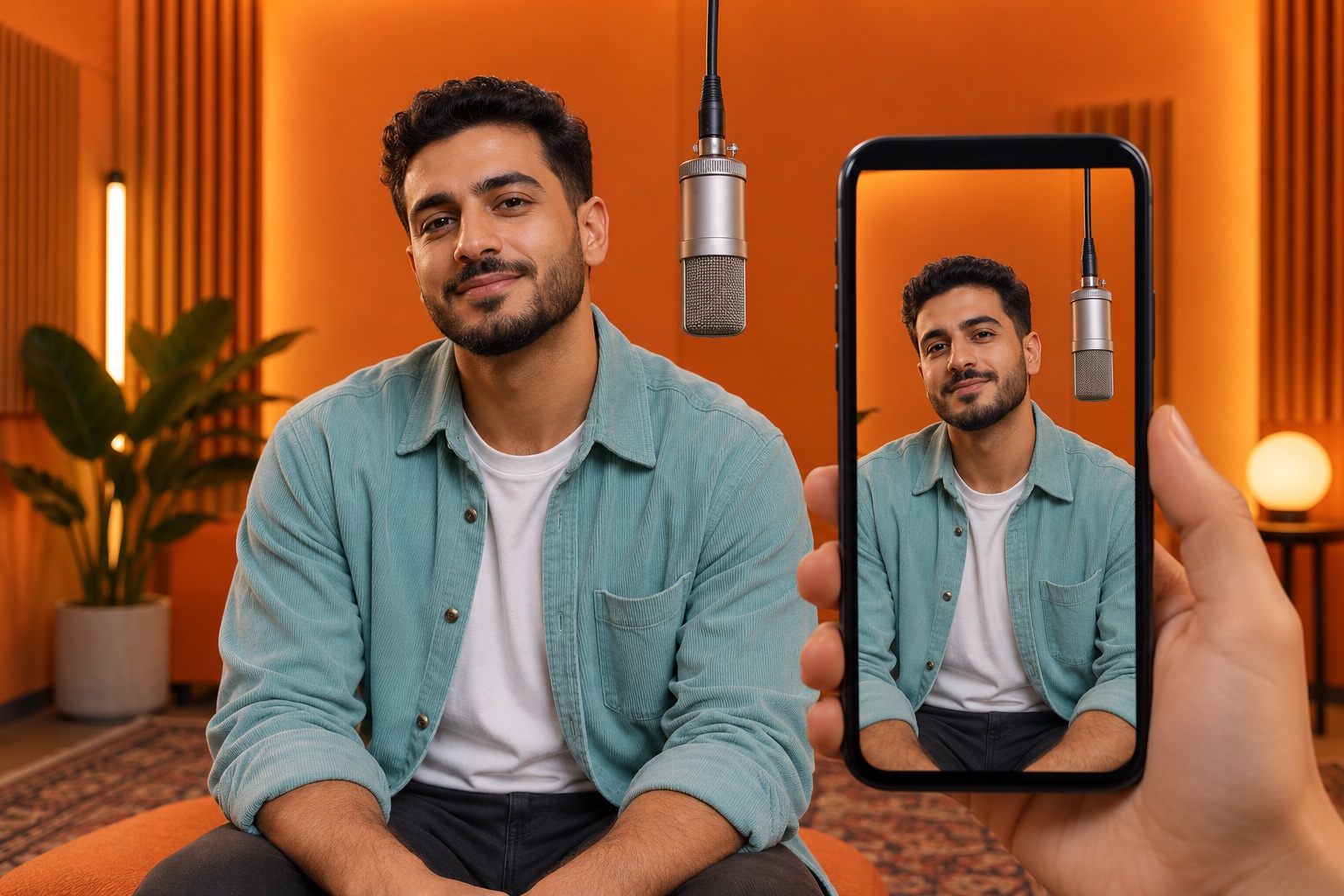
AI-created editorial concept: previewing a solo performer inside a vertical phone frame. Plan room for the face and microphone when preparing your edit.
Build a simple opening, response, and finish
For a 15-second concept, give each part a job. Establish the pair at the beginning, let the second performer answer later, and leave the ending uncluttered. These are creative directions for the generated performance, not exact timeline controls.
Try this concise brief in the prompt editor:
Two adults share a vivid orange studio and one suspended microphone. Keep both visible in a fixed medium shot. The left performer opens with confident energy; the right listens, then answers with a playful, self-assured response. Keep gestures low and separate. Finish with both facing forward in a relaxed shared pose.
After generation, watch the full file before deciding where to add text. Let the visible performance guide your edit. Our real two-take case study shows why a requested handoff and an observed handoff should be reviewed separately.
Fit the actual output to your editing canvas
Inspect the downloaded dimensions first. The portrait Duo videos in our real case study measure 768 × 1344 pixels, or 4:7. The calculations below refer to those original video files. Their ratio is close to 9:16, but those are different ratios.
If your chosen edit uses a 1080 × 1920 canvas, two straightforward options are available in an external editor:
| Approach | What happens to this sample | When it is useful |
|---|---|---|
| Fit the complete image | Scale 768 × 1344 to 1080 × 1890; add 30 pixels of total vertical padding | Preserve the full frame, including hands and headroom |
| Crop to 9:16 first | At the source size, crop 768 × 1344 to 756 × 1344, removing 12 pixels of total width | Fill a 9:16 canvas when the edges can spare a small crop |
Centering the first option places 15 pixels of padding above and below. Centering the second removes 6 source pixels from each side. These calculations apply to this sample's dimensions; inspect your own file before using them.
Keep the people in proportion. Stretching the image independently in width or height changes the appearance you worked to create. Canvas enlargement is an editing step, not a new native-resolution generation.
Write a caption that belongs to the performance
Use a short line that sets up the relationship. These original caption ideas pair naturally with the booth format:
- “The quiet friend finally took the mic.”
- “Same booth. Completely different energy.”
- “Our group chat got a studio session.”
- “One microphone. Two main characters.”
Place any on-video text where it leaves the faces and microphone readable. Review the destination app's actual preview before publishing: interface buttons, captions, and cropping can change how the composition is displayed.
Choose a cover frame with both expressions visible. Hotel Lobby AI's original MP4 gives you the source to select that moment in your editor, rather than relying on an unrelated stock thumbnail.
Finish the audio and disclosure in the publishing app
Listen to the completed file and choose audio you are entitled to publish. For a brand or product promotion, TikTok recommends its Commercial Music Library and explains the conditions for music from other sources in its official music guidance. A generator subscription or credit purchase does not itself license a commercial recording.
Use the platform's applicable AI disclosure controls. TikTok requires labeling realistic AI-generated content in its AI content guidance. Present the clip confidently as an AI-created performance and use photos you have permission to depict.
For YouTube, the official Shorts guidance describes square or vertical uploads of up to three minutes as Shorts under the current eligibility rules. The real Duo sample linked above is portrait and roughly 15 seconds long; those dimensions describe format fit, not a promise of distribution or monetization. Platform guidance was reviewed October 10, 2026.
Make the final review count
Play the export in the destination app before posting. Check that neither performer is cropped awkwardly, captions remain readable, the audio suits the edit, and the ending lands where you intended.
Hotel Lobby AI gives you a powerful starting package: a distinctive orange-stage look, editable performance direction, a clear generation quote, private-by-default creation, and an original MP4. Bring the finished work into your own publishing style, then let the pairing do the talking.
Choose Solo or Duo, review the video-quality guide, and create a performance with real presence.