
A great Hotel Lobby AI prompt gives the scene a job: establish the performers, command the suspended microphone, build a response, and finish with attitude. The signature setting is a vivid orange studio. Your photos introduce the characters; your prompt tells them how to own that stage.
Hotel Lobby AI puts that direction in your hands. Start with a preset, edit the prompt, choose a composition, and build a performance around your own reference photos. That combination is a powerful creative advantage: a focused starting point with room for unmistakable personality.
Build your prompt around four decisive choices
Begin with who, where, how, and what happens next. These choices carry more useful information than a paragraph of superlatives.
Who: Assign each adult performer a clear role. One can lead at the suspended microphone while the other answers with a restrained reaction. Describe screen position when two references are involved, so the intended relationship stays explicit.
Where: Establish the recognizable orange booth: a seamless orange background, a suspended microphone, and clean studio lighting. Keep the setting uncluttered so expressions, gestures, and the exchange between performers hold attention.
How: Choose a camera approach and performance style. A steady medium-wide composition with controlled gestures communicates something very different from a dramatic push-in with theatrical expressions.
What happens next: Give the clip a beginning, response, and final pose. A short sequence provides a strong organizing idea without demanding a complicated story from a single generation.
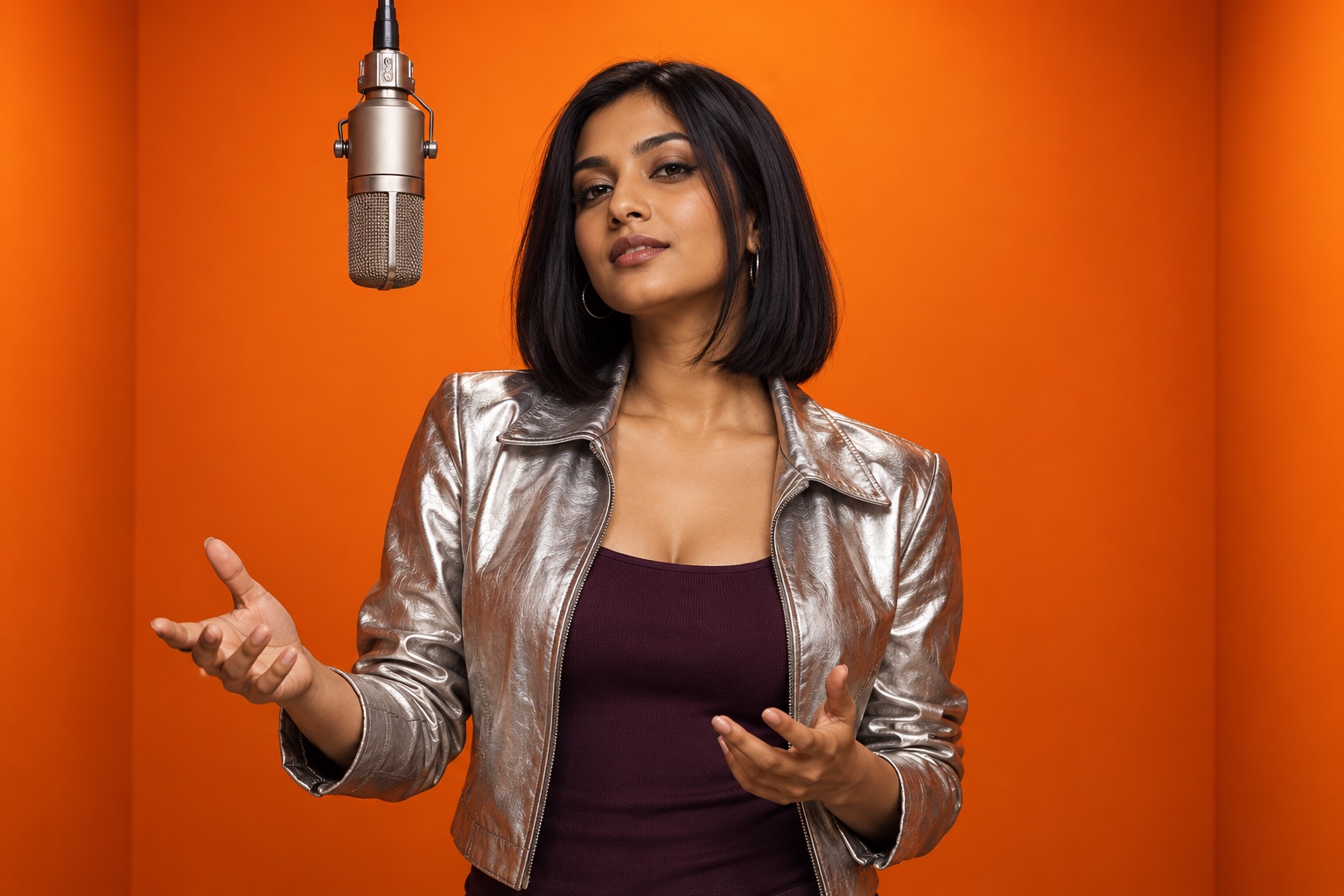
AI-created editorial concept: confident expression and restrained gestures give a performance a clear direction.
Copy this original Duo prompt
Use two reference photos of adults you have permission to depict, select Duo, and adapt the details to your idea:
Create a stylish two-person performance in a vivid orange studio with a suspended microphone between the performers. Use the first adult reference as the performer on the left and the second adult reference as the performer on the right. Keep their individual appearance recognizable and their roles distinct. Begin with both facing the camera in a confident, relaxed stance. The left performer leads with a charismatic gesture toward the microphone; the right performer responds with an amused glance and a small shoulder movement. Build into a coordinated, restrained groove with natural expressions and readable body language. Use clean studio lighting, a seamless orange background, and a steady medium-wide camera. Keep both performers visible. Finish with a brief shared look and a confident final pose. Favor coherent motion and clear staging over rapid cuts or elaborate choreography.Every sentence serves the same scene. Review the generated motion and appearance against that brief before deciding what to adjust.
Variation one: understated star power
Replace the leading gesture and coordinated groove with “a subtle jacket adjustment, a calm look toward the suspended microphone, and an exchange of knowing glances.” Keep the camera still. The resulting brief emphasizes composure, confident styling, and character chemistry against the bold orange background.
Variation two: playful rivalry
Replace the restrained response with “a mock-serious reaction followed by a confident answering gesture.” Finish with both performers acknowledging each other. The scene now has a clear comic idea without needing dialogue, subtitles, or an editing timeline.
Use the controls that strengthen the idea
Hotel Lobby AI offers seven creative presets: Duo, Solo, Long, Call-and-response, Friends, Pets, and Robot + alien. The first four follow the portrait-reference workflow. Friends, Pets, and Robot + alien call for a complete scene image. Match the source image to the preset before refining the words.
The independent left and right photo slots make Duo direction especially practical. Replace one reference while keeping the other, remove a photo, or swap their positions to reconsider the relationship. Your custom prompt, selected photos, and framing choice remain available after a refresh, making it easier to return to an idea.
Choose among the 9:16, 16:9, and 1:1 framing controls according to the intended composition. These are requested framing options; inspect the downloaded file for its actual dimensions. The real Duo sample documented in our case study is 768 × 1344, rather than an exact 9:16 export.
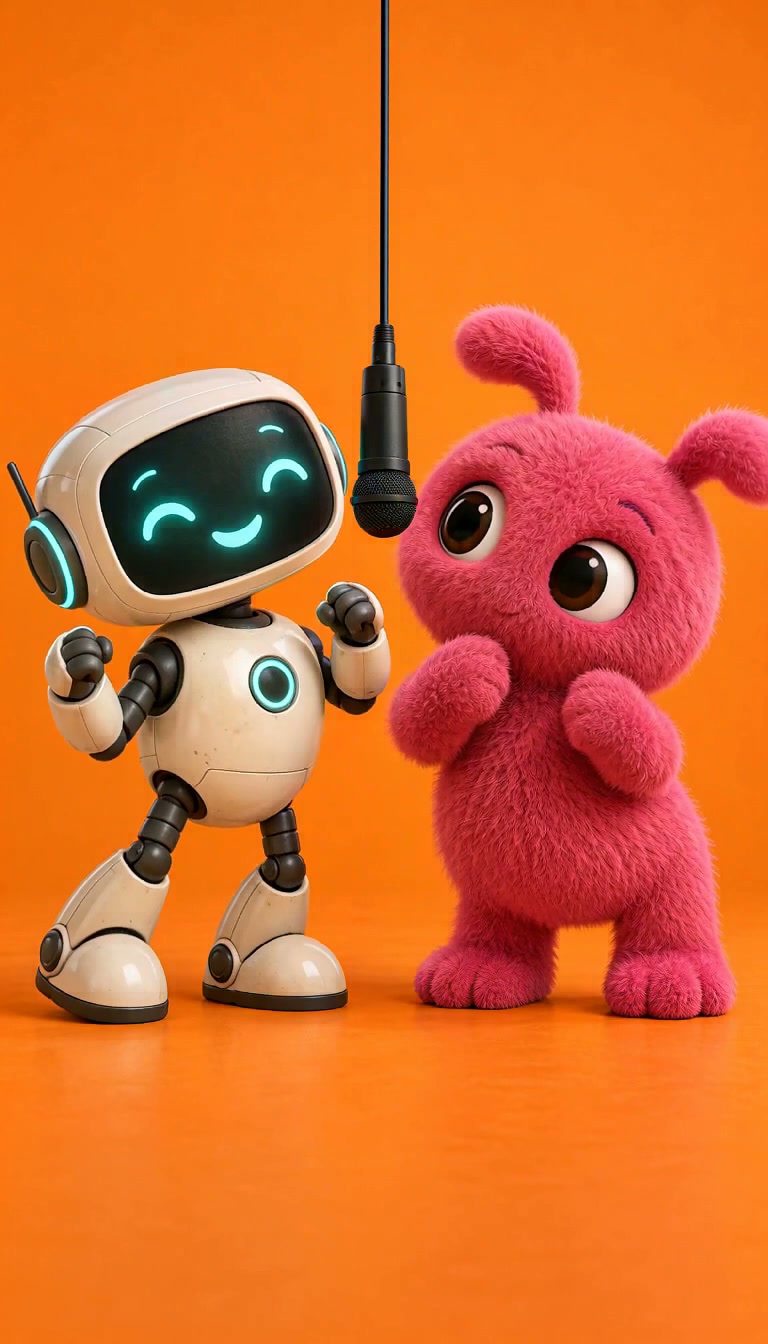
Historical original scene sample; not a current 15-second output test. Distinct character roles offer another creative direction.
Review the whole performance
The current generator uses MiniMax H3 with a fixed 15-second, 768p configuration at 10 credits per generation. Watch the complete clip before judging the prompt. Check the opening, interaction, motion, and finish; a striking still cannot demonstrate all four.
Use task history to return to a completed result and download the original MP4 for closer inspection. Change one major instruction at a time if you generate another version. That discipline makes each revision easier to evaluate.
For the full workflow, read how to make a Hotel Lobby AI video. Explore the generator comparison and pricing guide when choosing your next step. Then open Hotel Lobby AI, give your scene a bold direction, and create an orange-booth performance with a clear point of view.