What does Hotel Lobby AI do?
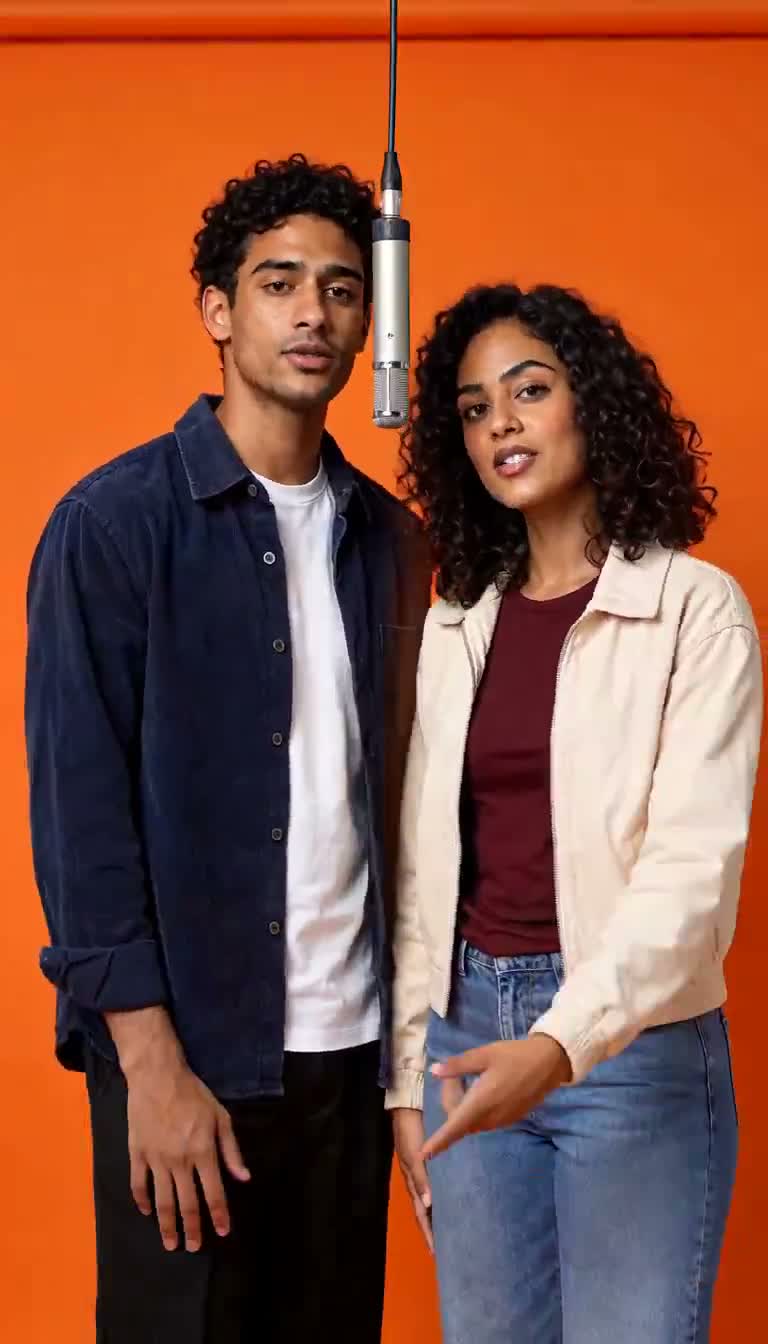
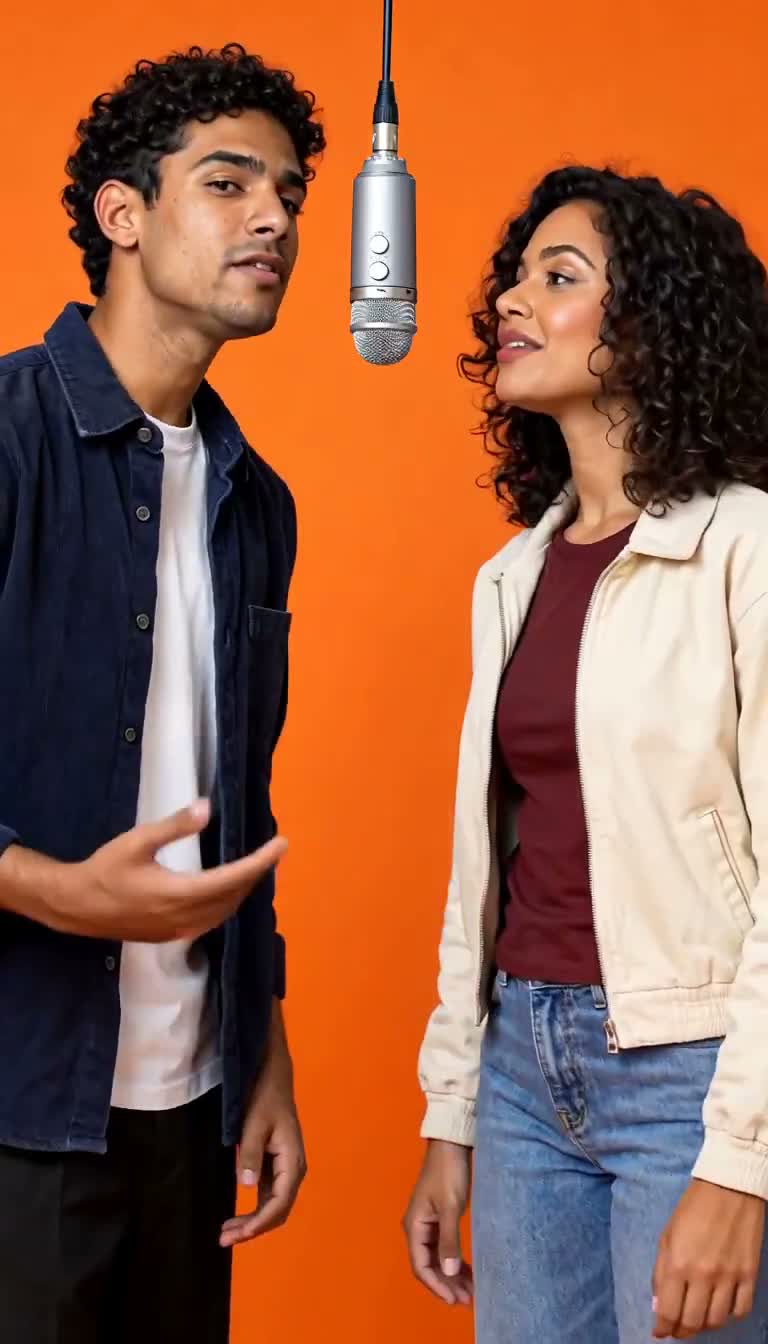
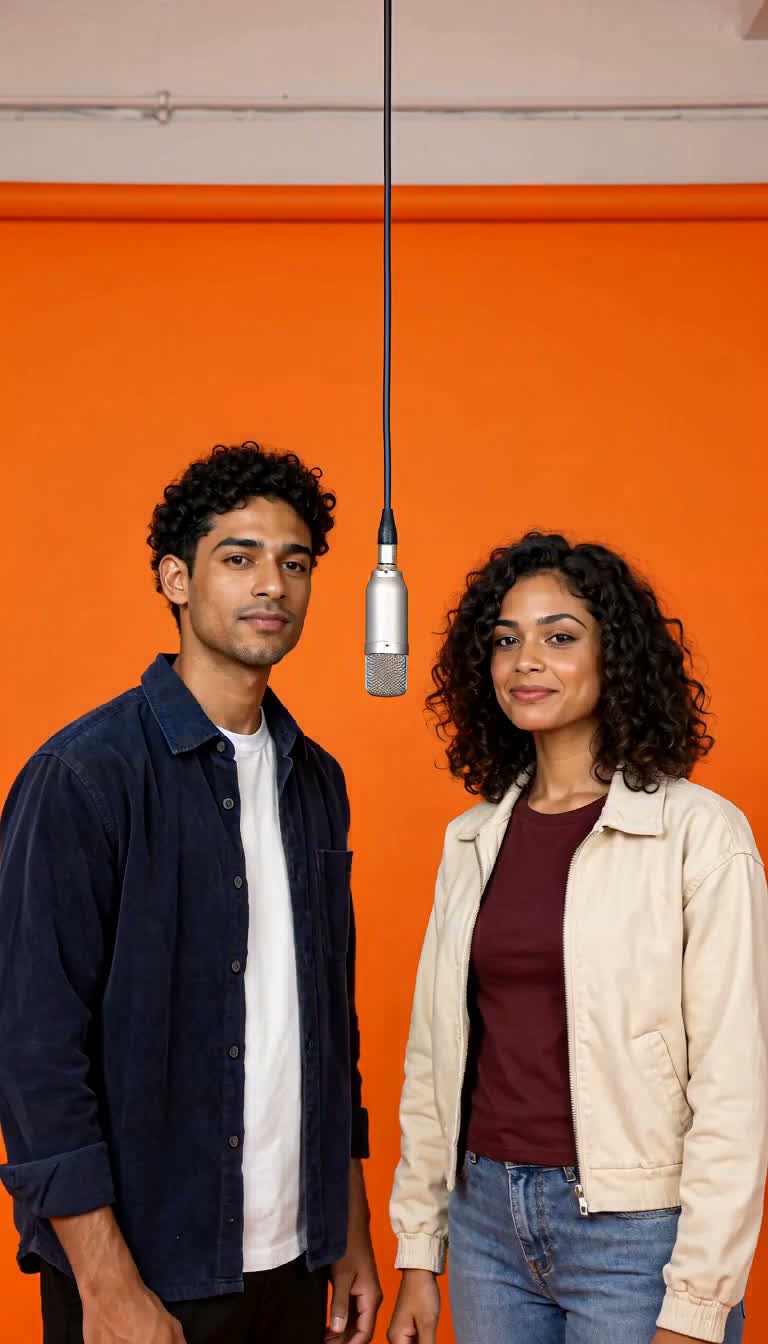
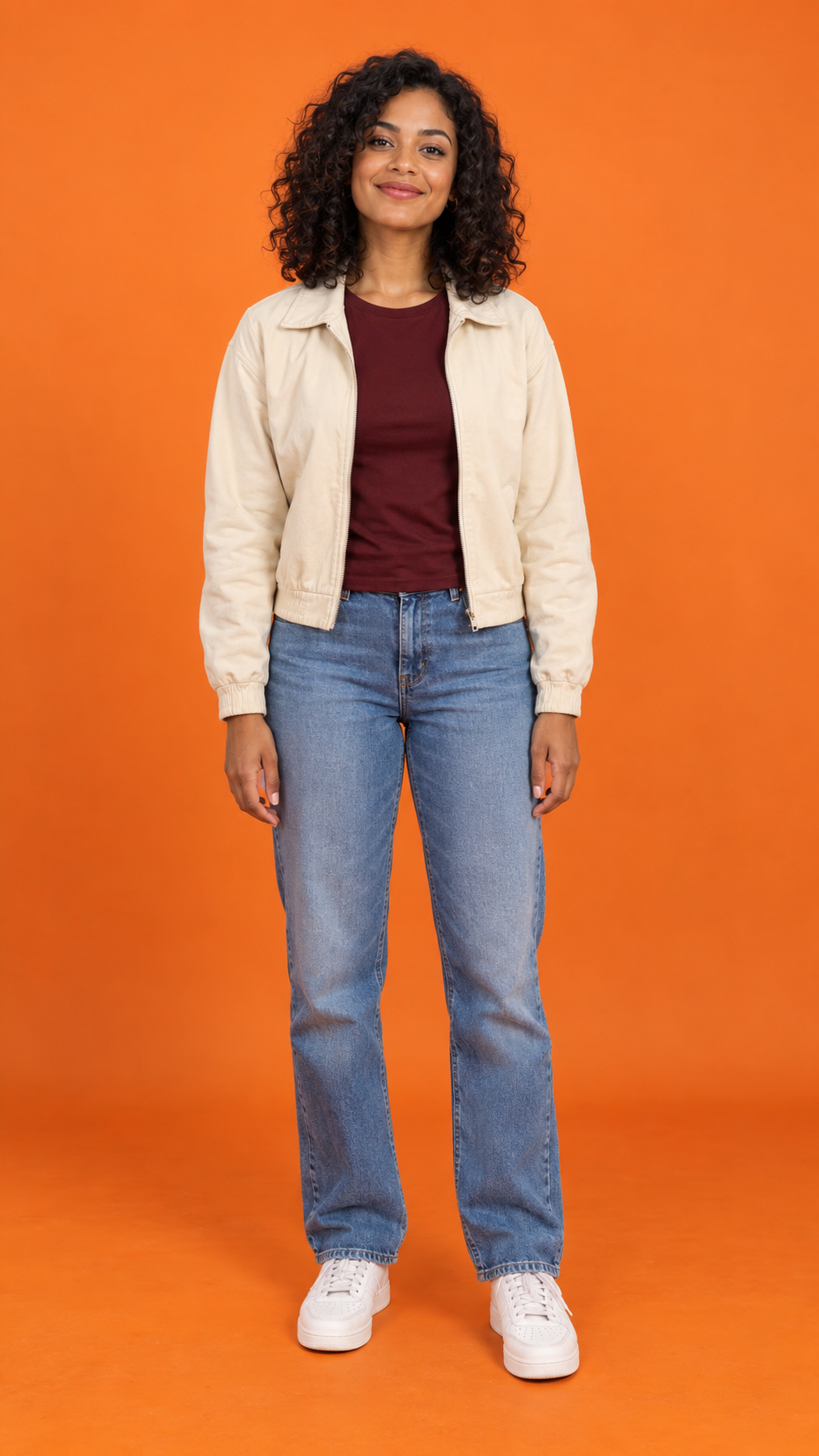
Hotel Lobby AI at hotellobby-ai.me turns your uploaded images into original short orange-booth performances. Duo takes two portraits; scene presets take one image containing both subjects; Solo takes one portrait. Editable prompts direct the motion and generated sound. No video or audio reference is supplied. This is an independent creation tool inspired by the orange-studio trend, not a hotel reception, booking or interior-design service, and is not affiliated with Higgsfield or other similarly named generators.
Who is the studio designed for?
It is designed for friends and social-content creators who want their own subjects in an energetic orange-booth duet. Original motion, staging and generated sound are directed by editable text and your uploaded images. Solo is available for a freely generated one-person performance. Use subjects you have permission to animate and review the complete output before posting.
What are the practical advantages of this workflow?
Start with your uploaded photos: prompts describe the original movement, orange setting, microphone and paired composition. Use two separate portraits for Duo or one image containing friends, pets or original characters. The prompt and aspect ratio remain editable, the credit cost appears before submission, and task status, review and MP4 download stay together. One-time packs let you generate without a new subscription.
What is the difference between Solo, Duo and scene presets?
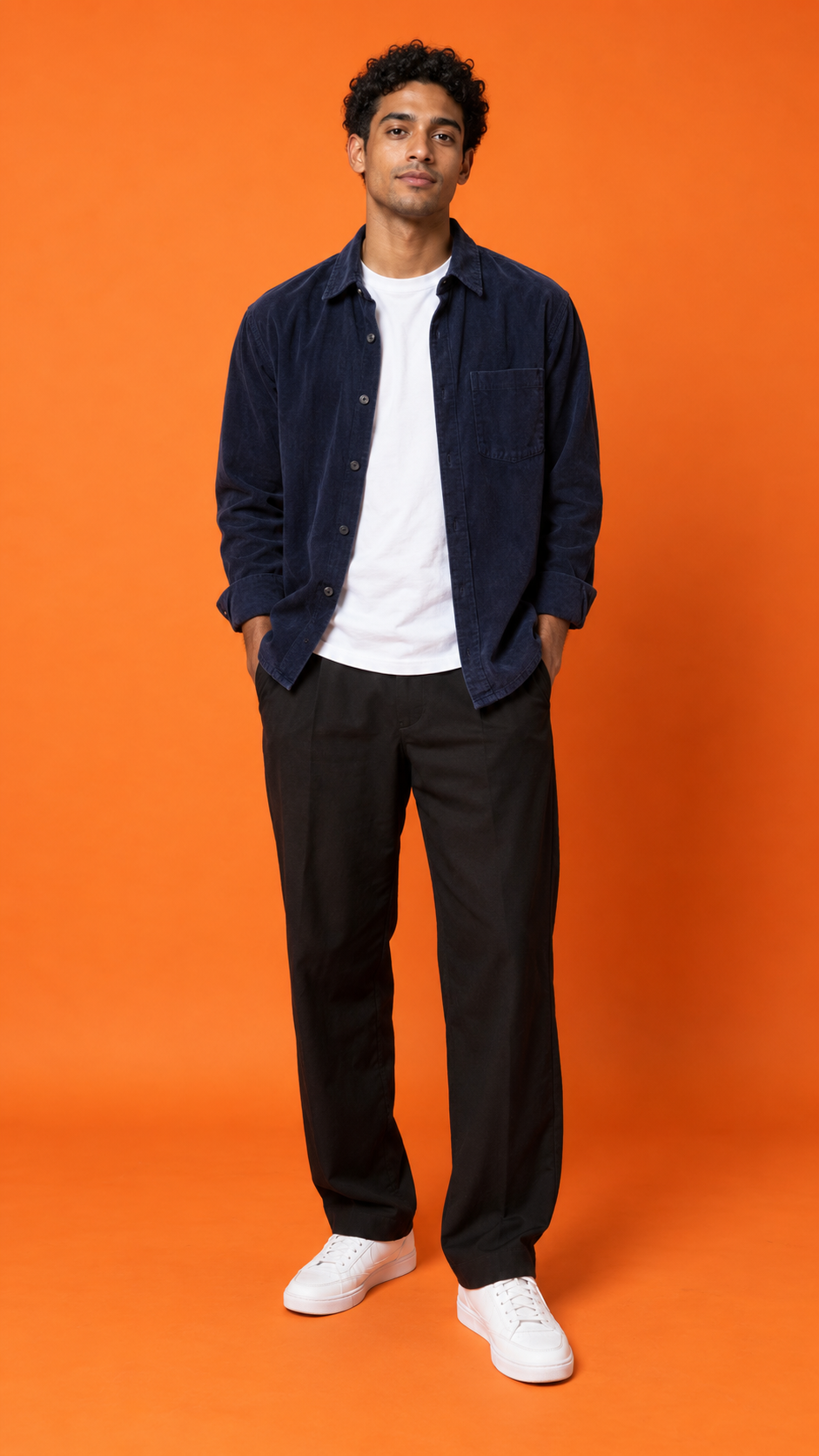
Duo assigns portrait 1 to the left performer and portrait 2 to the right. Scene presets take both left and right identities from one image, preserving human outfits, pet species or character designs. Both workflows use only uploaded images and editable prompts, without video or audio references. A scene image supplies the starting composition; separate portraits supply the identities. Solo uses one uploaded portrait for original one-person motion.
How much does a Hotel Lobby AI video cost?
Each video uses MiniMax H3 at 15 seconds and 768p for 10 credits. Choose a one-time pack: 1 video for US$5.99, 2 videos for US$9.99, 7 videos for US$29.99, backed by 10, 20 or 70 credits respectively. There is no new subscription or automatic renewal, and purchased pack credits are valid for 365 days. A new variation uses another 10 credits; the count is not a guarantee that every result will meet your creative brief.
Can I generate a video for free?
No. Browsing examples, choosing a template and preparing or copying a prompt are free. Video generation requires a signed-in account and valid purchased credits. Visits, registration, sign-in and daily use do not grant free credits. One-time video packs offer separate PayPal and Waffo checkout buttons. There are no new subscriptions or automatic renewals for these packs. Credits are issued after payment is confirmed; opening checkout or returning to the site does not by itself add credits.
What file, duration and resolution can I get?
New generations produce a downloadable MP4 using MiniMax H3 at a fixed 15 seconds and 768p. All presets default to vertical 9:16. You can also select 1:1. Actual encoded duration and dimensions can differ slightly from the requested settings. Older examples retain their own labels and settings. Review the complete video, including audio, and download during the retention period shown in the privacy policy.
Can I see proof before buying?
The Product facts & output evidence page links original inputs, complete MP4s and posters for historical October 9 Solo and Duo tests, with requested and measured settings. Solo includes unwanted cuts and objects. Those direct-provider tests did not verify website payment or credit debit, and their prompts differ from today’s presets. The homepage shows other site-generated portrait examples. No example establishes a success rate, acceptance of every current preset or a result for your photos. Play the complete files before deciding.
Does it copy the original dance, song or lip sync?
Duo and scene prompts describe original shoulder bounces, low hand gestures and alternating leads while preserving separate subjects. The model generates the motion and sound from uploaded images. It receives no reference video or audio. Exact gestures and lyric-perfect lip synchronization are not guaranteed; review the full result.
Are my portraits, prompts and videos private?
Generation privacy is on by default. Your prompts, uploads and results are excluded from Hotel Lobby AI public examples and promotion while that setting is on. Turning it off permits reviewed promotional use but does not automatically publish the work. The video provider still processes the material needed to generate your result under its own data policy. Account history is private; consult the privacy policy for media retention, access and deletion requests.
What happens if generation fails or takes too long?
The quoted credits are reserved when a task starts. A confirmed failed generation returns eligible reserved credits to their original balance, subject to its validity. A queue, browser refresh or temporary network error is not necessarily a failure; check the existing task or Recent works before starting another attempt. A completed video that needs a creative change is a new paid variation. Credit restoration is separate from a cash refund, which follows the refund policy.
When should I choose Hotel Lobby AI over a motion-transfer tool?
Choose Hotel Lobby AI for original orange-booth performances from your own uploaded images and editable prompts. Use two portraits for Duo, one portrait for Solo or one complete scene image for scene presets. This studio accepts image inputs only.
Will my uploaded portrait appear as a still-photo intro?
Portraits supply identities and outfits for original motion. Scene presets use your uploaded scene as the starting composition. All presets use only uploaded images and editable prompts. Review the complete result for identity, motion and mouth consistency.
How are the rap voices chosen?
The generator requests a distinct voice for each character, guided by their visible age range and feminine, masculine or neutral presentation. Each voice stays with its own left or right performer. Pet and character presets request playful or electronic voices that fit their designs. Listen to the complete result when reviewing it.
What photos work best?
Use one sharp, well-lit portrait per person with the face unobstructed. Similar lighting helps a duo; visible shoulders and hands provide useful context. Upload JPG, PNG or WebP, up to 10 MB per image.
Will it copy the original performance exactly?
No. The generator creates original motion from your uploaded images and text directions. It does not receive a reference video, choreography clip or audio track. Faces, gestures and mouth movements can vary; review the full output before posting.
Does the video include the Hotel Lobby song?
No song or audio reference is supplied. Prompts request original generated sound without imitating an existing song or identifiable singer. Listen to the actual result before posting and use audio permitted for your intended platform, region and account.
What video do I receive?
A downloadable MP4 using MiniMax H3 at 15 seconds and 768p for 10 credits. All presets default to vertical 9:16; you can choose 16:9, 9:16 or 1:1. Historical examples retain their original settings and are not evidence for the current prompt. Review the full video and audio before posting. Rendering time varies with the provider queue.