“Migos AI video” commonly refers to an orange-booth duo inspired by Quavo and Takeoff’s Hotel Lobby performance. Use your own permitted photos, assign one person to each side and generate a new short performance below.
Photo 1 = left; photo 2 = right. Use a clear portrait for each.
About this preset and audio
Two friends singing and rapping at one suspended microphone from the opening moment. Start with two separate clear portraits. Review the generated audio and add your chosen platform sound after downloading.
migos AI video video examples
Compare a real two-portrait result generated here with three original VidLoop scene animations. Inputs and settings appear below each video; sound starts muted.
Actual AI output · 4.5s
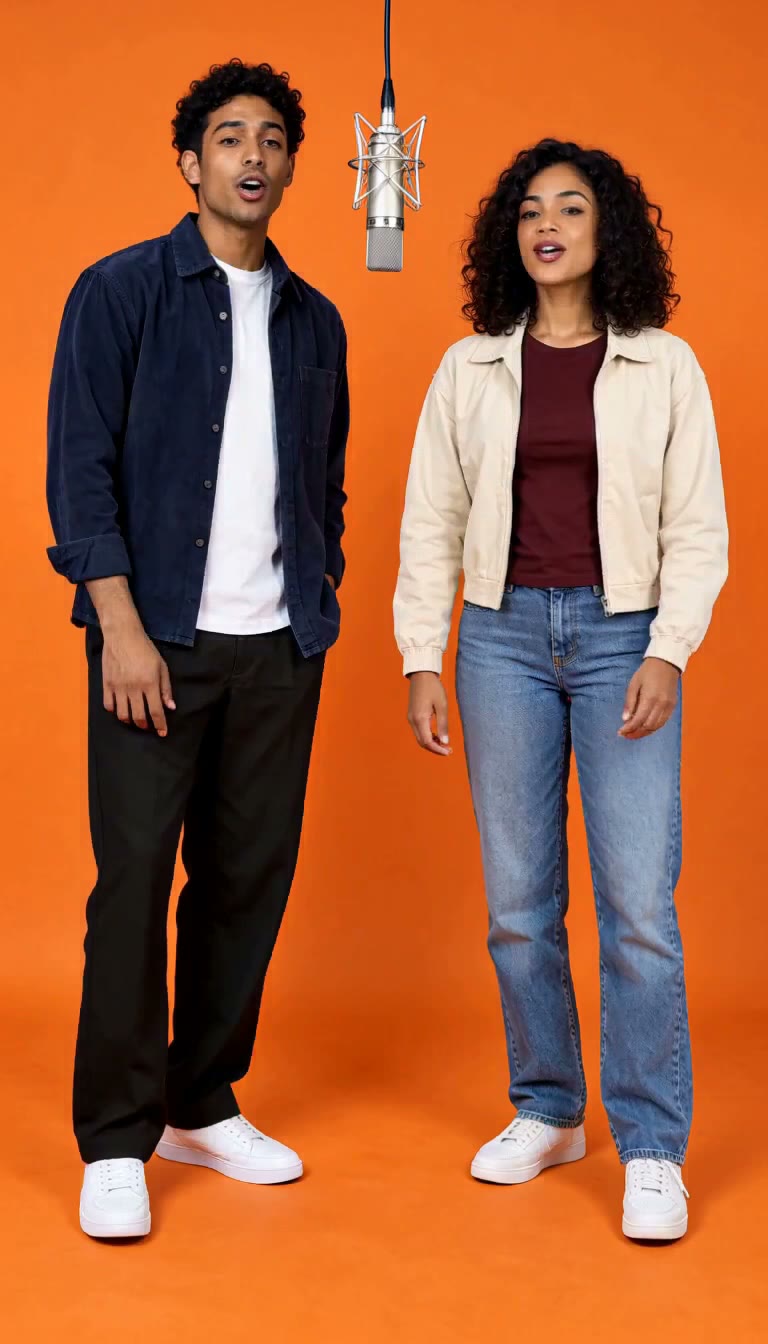
Two portraits, one orange booth
Generated here from two separate original portrait references. Each performer keeps their own outfit and position, with natural mouth movements and small gestures. This is one reviewed result; outputs vary.
MiniMax H3 · 768 × 1344
View generation prompt
Actual AI output · 4.5s
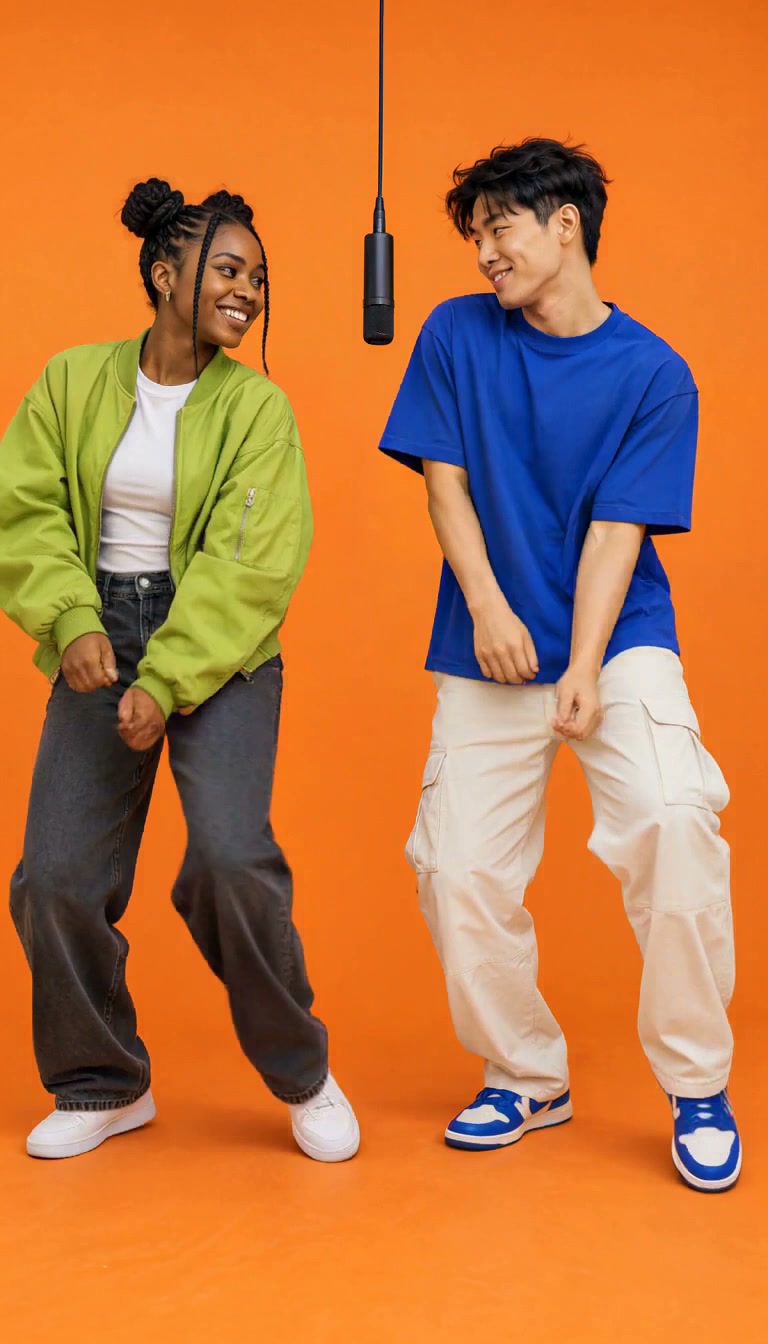
Friends dance
Two young adult friends in green and blue share light knee bounces, smiles and low hand gestures. Generated from one complete original scene image.
MiniMax H3 · 768 × 1344
View generation prompt
Actual AI output · 4.5s
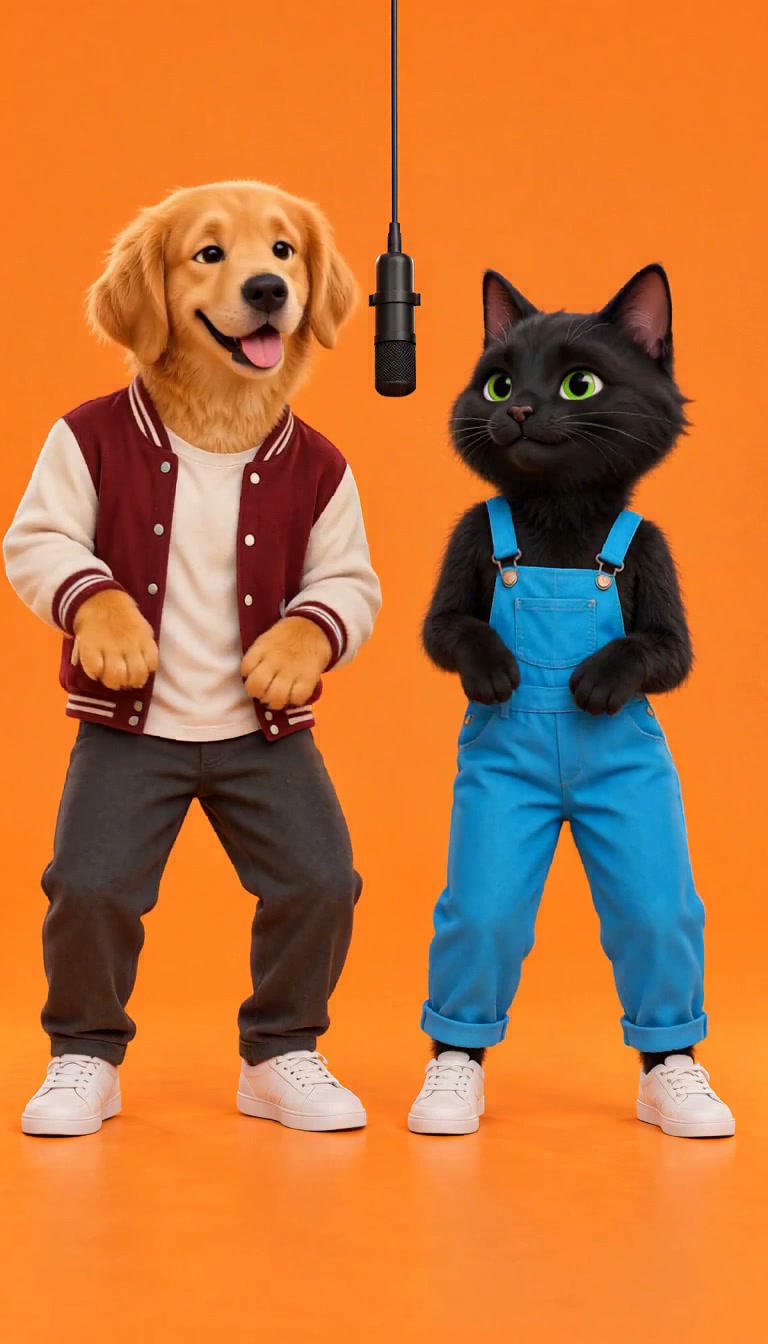
Golden retriever & black cat
An original golden retriever and black cat sway together, then the cat raises a paw. Generated from one complete original illustrated scene image.
MiniMax H3 · 768 × 1344
View generation prompt
Actual AI output · 4.5s
Robot & plush alien
An original robot and pink plush alien share a small dance and friendly waves. Generated from one complete original character scene image.
MiniMax H3 · 768 × 1344
View generation prompt
Explore migos AI video
What people mean by a Migos AI video
The search often describes a two-person orange-booth edit rather than an official artist tool. The reference performance is by Quavo and Takeoff, who were members of Migos. In this workflow your two portraits provide the performers’ identities, while the template describes a new studio scene and modest rap-style movement. You supply the people; the generator does not provide celebrity likenesses or endorsement.
Assign left and right identities before submission
Orange booth duo is selected here. Put the intended left performer in the first upload slot and the right performer in the second. Use one clearly visible adult per photo, with permission from each person. Distinct outfits and similar source quality help you judge whether the two references remain separate. If you change the pairing, inspect both previews before generating; a group photograph can leave the model unsure which face belongs to each role.
The prompt keeps a locked camera and asks the performers to trade the lead without crossing or merging. Small hand gestures and gentle shoulder motion leave more room for stable facial detail. Check both faces at the opening, middle and end. A reasonable left/right match in the first frame does not prove the model preserves each identity during a turn or near the microphone.
Duo accepts two portrait references and generates a new booth. Solo spotlight is a separate one-photo variation. The scene presets use one complete scene image as the starting frame, including any subjects already in that picture. The gallery labels these inputs so you can compare the relevant example. Do not expect a complete-scene sample to prove that arbitrary individual portraits will preserve both identities.
Use credits deliberately and keep your existing task
Start with a four-second, 768p draft and confirm the quote. Eligible first-time guests receive a limited H3 starter allowance; the sign-in bonus is additional once, not a reset of already spent credits. Longer clips need a larger balance. If a task is pending, check that task or Recent works before retrying. Confirmed failures return reserved credits, while a new variation of a finished clip is a separate generation.
Review audio, download and share the edit honestly
Download the finished MP4 only after checking faces, hands and microphone placement. The prompt requests a silent visual performance but model audio can remain. This site does not license the Hotel Lobby song or create verified lyric synchronization. Add permitted music in your editor or platform and describe a realistic altered clip as AI-generated. Do not imply that the artists, COLORS or the people in the photo endorsed the final post.
Choose a setup for your photos
Suggested inputs and review checks for your next attempt.
Two friends in separate well-lit portraits
Image 1 left · Image 2 right · Duo · 4s
Check: Faces, hairstyles and outfits stay assigned to their own person
Only one usable portrait
Select Solo spotlight instead of leaving Duo incomplete
Check: One source, one performer and a matching credit quote
Two faces in one crowded photograph
Prepare separate permitted portraits before starting
Check: No ambiguous identity selection or unexpected extra performer
How to use migos AI video
1
Choose a photo and preset
Use one clear portrait for Solo or two separate portraits for Duo. Select a template to fill the prompt and keep each reference in its own upload slot.
2
Generate your orange booth scene
Start at 4 seconds and 768p with MiniMax H3. Check the credit quote, then generate. The workbench shows progress and keeps the result available for review.
3
Review, download and add sound
Play the MP4 and check faces, hands and timing. Download the result, then add a licensed platform sound in your preferred social editor.
Choose a subscription for regular creation, or a one-time credit pack below. One studio. Three monthly allowances. Start with your free credits, then choose the plan that fits your creative rhythm.
Monthly plans renew automatically. Cancel future renewals from your account.
Lite
$5.99/ month
A little room to experiment. Ideal for personal clips and occasional projects.
Your monthly creative allowance
180 MiniMax H3 credits
Up to 36 five-second clips at 768p per month
768p or 2K output · 4–15 second videos
Credits returned for confirmed failed generations
Each allowance valid for 62 days
Monthly renewal · cancel from your account
For regular creators
Pro
$9.99/ month
Keep your ideas moving. A comfortable allowance for regular social content.
Your monthly creative allowance
360 MiniMax H3 credits
Up to 72 five-second clips at 768p per month
768p or 2K output · 4–15 second videos
Credits returned for confirmed failed generations
Each allowance valid for 93 days
Monthly renewal · cancel from your account
Ultra
$19.99/ month
Create more, explore more. For frequent projects and extra variations.
Your monthly creative allowance
800 MiniMax H3 credits
Up to 160 five-second clips at 768p per month
768p or 2K output · 4–15 second videos
Credits returned for confirmed failed generations
Each allowance valid for 124 days
Monthly renewal · cancel from your account
Video estimates use 5 seconds at 768p (5 credits). Longer clips, 2K output and new variations use more credits. Every plan uses the same MiniMax H3 studio.
Checkout with PayPal
Review your total in USD before you approve payment.
Clear credit costs
See the exact quote before generating. Confirmed failures return eligible credits.
1 credit/second at 768p; 2 at 2K. Confirmed failures return eligible reserved credits. Compare full plan details.
Buy credits without a subscription
A single payment. A balance you can use at your own pace. Valid for 365 days, with no automatic renewal.
StarterA simple start
Try your first ideas.
80 H3 credits
US$2.99
One-time payment
Creator
More room to experiment.
300 H3 credits
US$8.99
One-time payment
Project
Space for your next collection.
700 H3 credits
US$18.99
One-time payment
Billed in USD; credits arrive after payment confirmation. Expiring H3 credits are used first. Failed tasks return eligible credits to their original balance.
Choose your Hotel Lobby workflow
Keep creating with tools that fit your source material.
migos AI video creator reviews
Made something with Hotel Lobby AI? Tell other creators how it went and what you would change.
Share your migos AI video result
Be the first to share your experience. There are no published creator reviews for this page yet.
We review feedback before publishing and use only the public name you choose. For help with a task or billing, contact support.
migos AI video FAQs
Photos, credits, audio and your finished clip.
Is Migos AI video an official Migos service?
This site is independent. Here the phrase describes a portrait-based orange-booth duo inspired by the Hotel Lobby visual format. It is not affiliated with Migos, the artists or COLORS.
Do I need two photos for a Migos AI video duo?
Yes, use one separate portrait for each performer in Orange booth duo. The first image is assigned left and the second right. Choose Solo spotlight if you only have one suitable portrait.
Can I animate someone without their permission?
Use images and likenesses you have permission to animate and follow the acceptable-use policy. Do not use the output for deception, impersonation or claims of endorsement.
Will my uploaded portrait appear as a still-photo intro?
Solo and Duo use identity references rather than fixing your portrait as the opening frame. The prompt asks for performance from the first frame. Check the opening and mouth movements; generated motion varies and is not synchronized to a supplied song.
What photos work best?
Use one sharp, well-lit portrait per person with the face unobstructed. Similar lighting helps a duo; visible shoulders and hands provide useful context. Upload JPG, PNG or WebP, up to 10 MB per image.
Will it copy the original performance exactly?
These presets generate a new orange-studio performance from your photos. Faces, gestures and timing can vary. They do not transfer the original choreography, reproduce an exact frame-for-frame performance or guarantee synchronized lips.
Does the video include the Hotel Lobby song?
The prompt requests a silent performance; generated audio may still be present. After downloading your clip, choose the licensed sound available to your account inside TikTok, Instagram or YouTube. Music availability and permitted uses depend on the platform, region and account.
What video do I receive?
A vertical MP4 requested at 9:16; our H3 examples measure 768 × 1344. The starter uses four seconds at 768p. Longer clips and higher resolutions need more credits. Review faces, hands and audio before posting. Rendering time varies with the provider queue.
More guides for your next clip
Create your migos AI video video
Bring a clear portrait, choose your orange booth direction and make a short first draft. Your finished clip is ready to review and download in the workbench.
Use photos you have permission to animate. Review faces and hands before sharing. Hotel Lobby AI is independent of COLORS, the artists and the social platforms.